Storage and Collaboration System for Music & Video Makers
Mixup.media is the ultimate solution for seamless collaboration across apps, plugins, and the web—bridging the gap between creators, teams, and clients, no matter where they work.


Storage







Built for creators.
Not just storage.
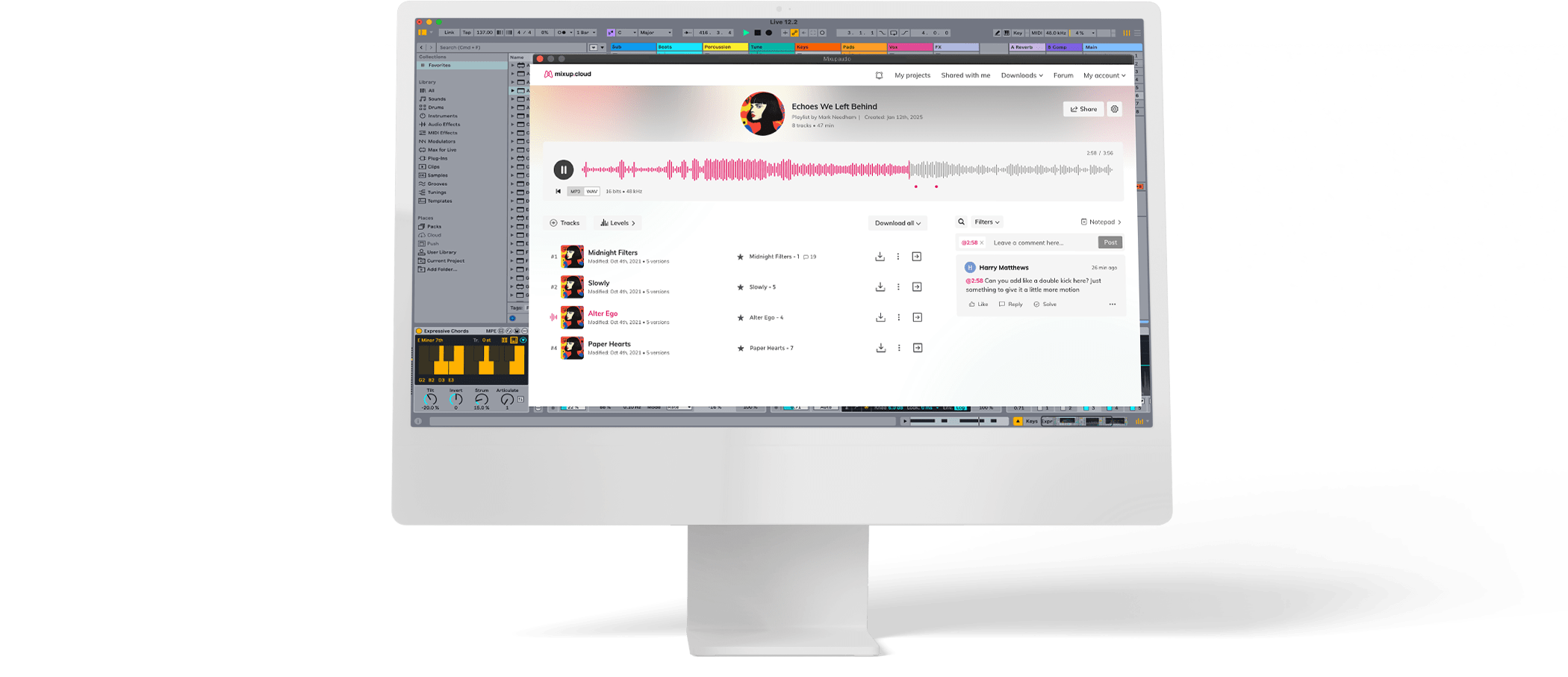
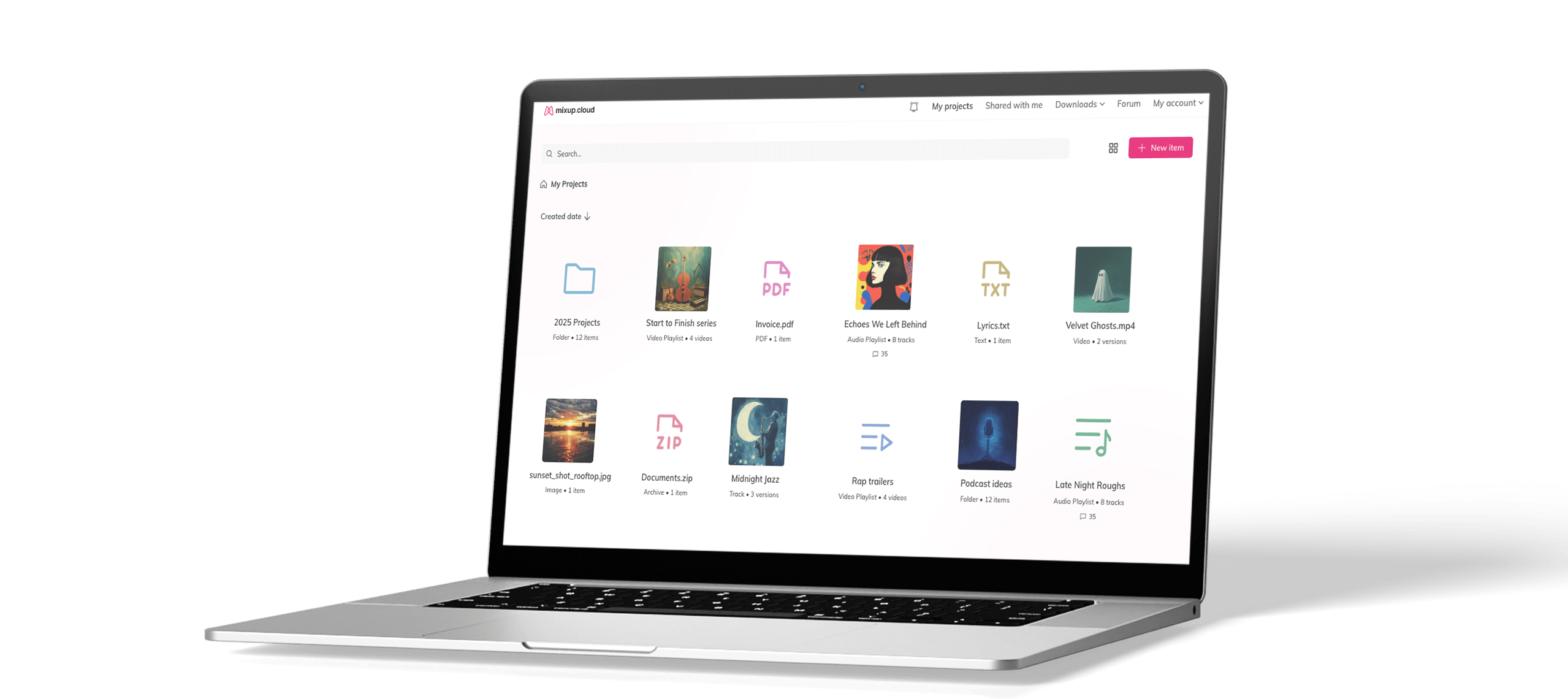

The only true cross-platform solution

Upload, Collaborate, Deliver
Assign roles to team members
Easily assign roles to your team and control who can view, edit, or approve files. Whether you’re managing artists, editors, producers, or executives, keep collaboration structured and efficient.
Feedback & approval
Streamline the review process with integrated feedback tools and approval workflows. Track changes, manage revisions, and ensure quality control throughout your creative projects.
Download
Securely download and distribute final assets with version control. Maintain file integrity and ensure team members always have access to the latest approved versions.
Storage, Sharing & Feedback—All in One Place
Store, access, and deliver files securely from anywhere. Whether it’s stems, mixes, or high-resolution video, Mixup.media ensures your projects stay organized and instantly accessible.
Precision Audio & Video Playback, Every Time
Audio Level Matching for Perfect Playback
No more guessing volume levels—Mixup.media ensures your playback remains consistent whether you’re in the studio, on mobile, or working remotely.
Showcasing Real-World Applications
Influencers & Content Creators
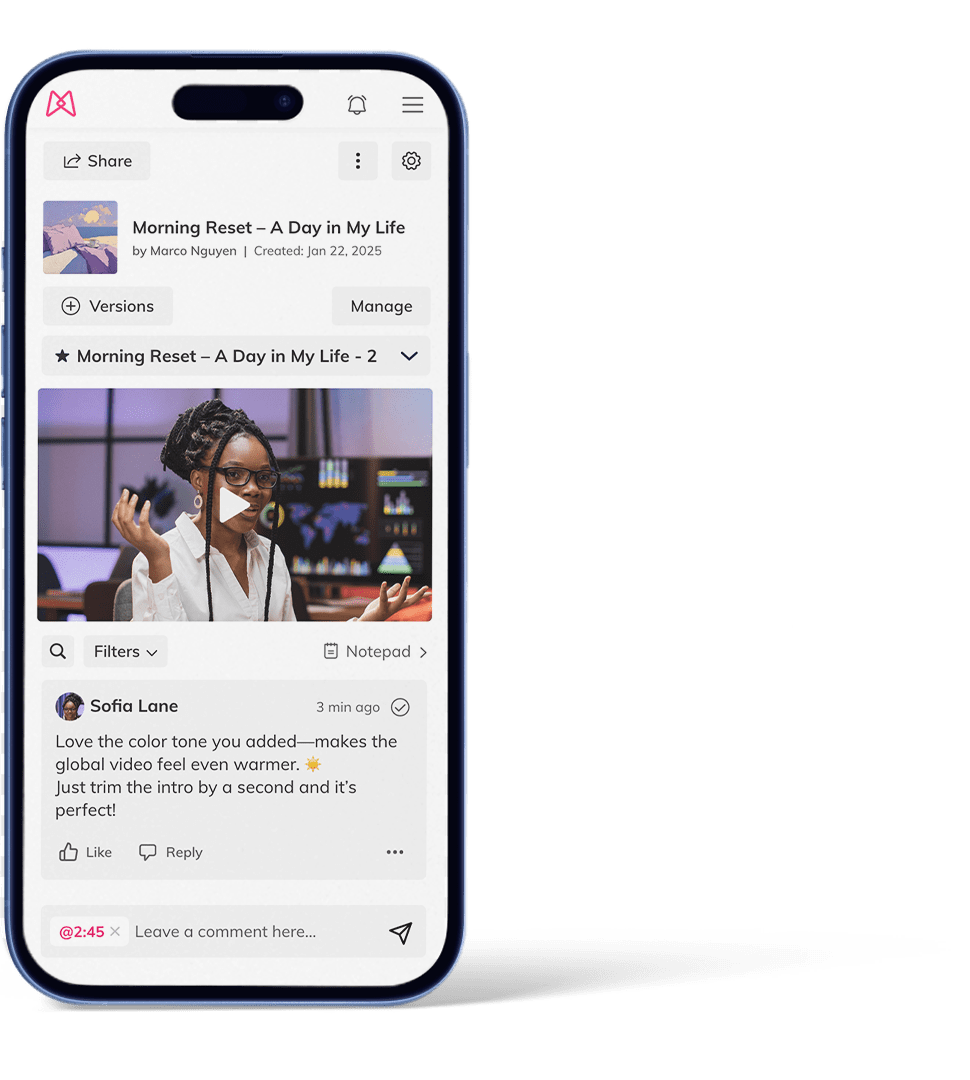
An influencer posts a Reel on Instagram. Their video editor adjusts the colors and trims the video directly on the platform. The influencer leaves comments and approves the final version without downloading any files.

Sound Engineers & Artists
A sound artist uploads a mix. The producer listens and provides feedback directly on the waveform. The artist makes adjustments and finalizes the mix without sending multiple versions.

Film & Production
A director uploads a scene to the platform. The editor adjusts the color grading and tightens the pacing directly in the timeline. The director reviews the cut, adds comments at key moments, and approves the final version.

What people say about Mixup.media






Engineer & Musician
Thanks to Mixup.Media artists can now focus on what sounds best without being fooled by loudness (and without me having to explain why that is)…
Mixup make my job easier, so I can gather all my notes of all my clients in one place and turning the recalls faster.
Mixup saves me SO much time every day. It's a tool every engineer/studio needs.
When I discovered Mixup, it really changed my workflow with clients in a very positive way. Now I use it every time.
Mixup is amazing. It’s the perfect communication tool between you and a client. Easy to use, pretty to look at, and essential.
The automatic level matching is amazing for keeping perspective from monitor mix to mastering. Loudness placebos go straight out the window.